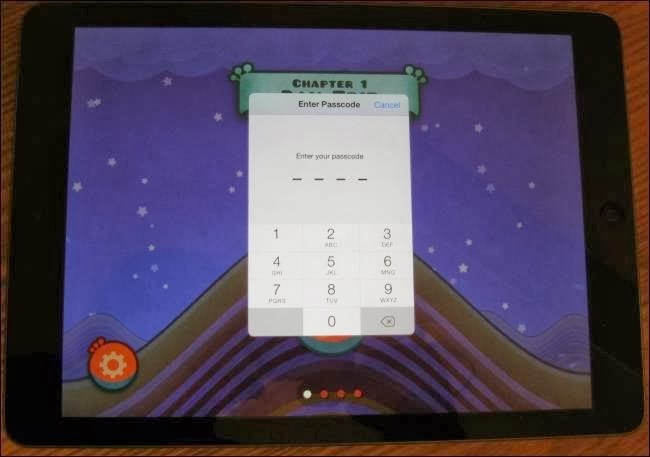
iPads and iPhones give you control over how your kids can use your devices. You can quickly lock your device to a certain app before handing it over or lock down an entire device with comprehensive parental controls.
Podcasting is something typically done at a desk with fancy microphones and editing software, but as Fraser Speirs -- co-host of the Out of School podcast -- details on his blog, it's something that can also be done quiet smoothly using iOS exclusively.
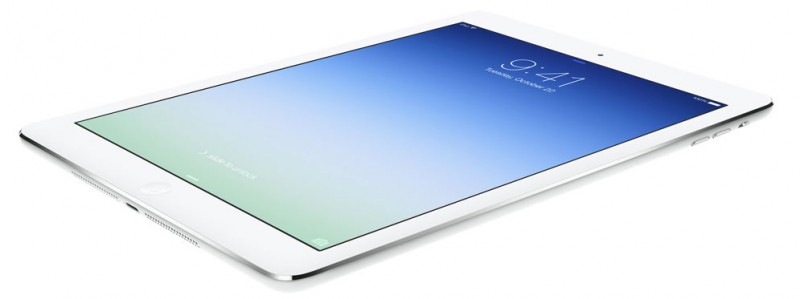
The iPad Air is significantly thinner and lighter than its predecessor. Apple has accomplished an incredible feat of engineering by reducing the battery capacity of the iPad Air, but still maintaining the amazing 10 hour battery life of the iPad.
App marketing service Fiksu has been tracking adoption of Apple's recent products, sharing some interesting data today comparing the new iPad Air to previous iPad launches.
iOS 7 packs a lot of changes: new icons, new app interfaces, and new features, such as Control Center. But you may not have looked closely at one part of iOS 7 that you’ll use a lot: its keyboard.
Apple’s iOS 7 was supposed to make it easier for schools to manage the iPads that are becoming increasingly common in the classroom. But for some, the latest version of the mobile operating system is proving to be a bit of a headache.
For some people, the font sizes on the iPad, iPhone, and iPod touch are too small. Sometimes, these small fonts prevent people from using or purchasing the iOS devices. Thankfully, there are multiple solutions to this potential issue.
Shorty after Apple released iOS 7, we began hearing reports that it's buggy on the iPad 2. Everything from crashing apps to general wonkiness seemed to be troubling some users.
Apple released iOS 7 to the public earlier today and while we highlighted a number of the major features in the operating system, there are more than 200 changes in all, including hundreds of minor tweaks and improvements. We’ve gathered up a list of some of the lesser known iOS 7 features below.
As a follow up to my previous 20 parallax iOS 7 iPhone 5 Wallpapers piece, here’s another selection of iOS 7 Parallax wallpapers to feast your eyes upon, this time for the iPhone 4S, iPad 2, iPad mini, and both Retina iPads.
T3 have been known for their nifty concepts of devices that have not yet come out. Today "Aug24" they have shown us a concept of the 12 inch Apple iPad of the future.
Apple has launched (via The Loop) a newly redesigned "Apple and Education" page on its website, with a simplified design and re-imagined categories that tout iPads, Macs, Special Education, and "Real Stories."
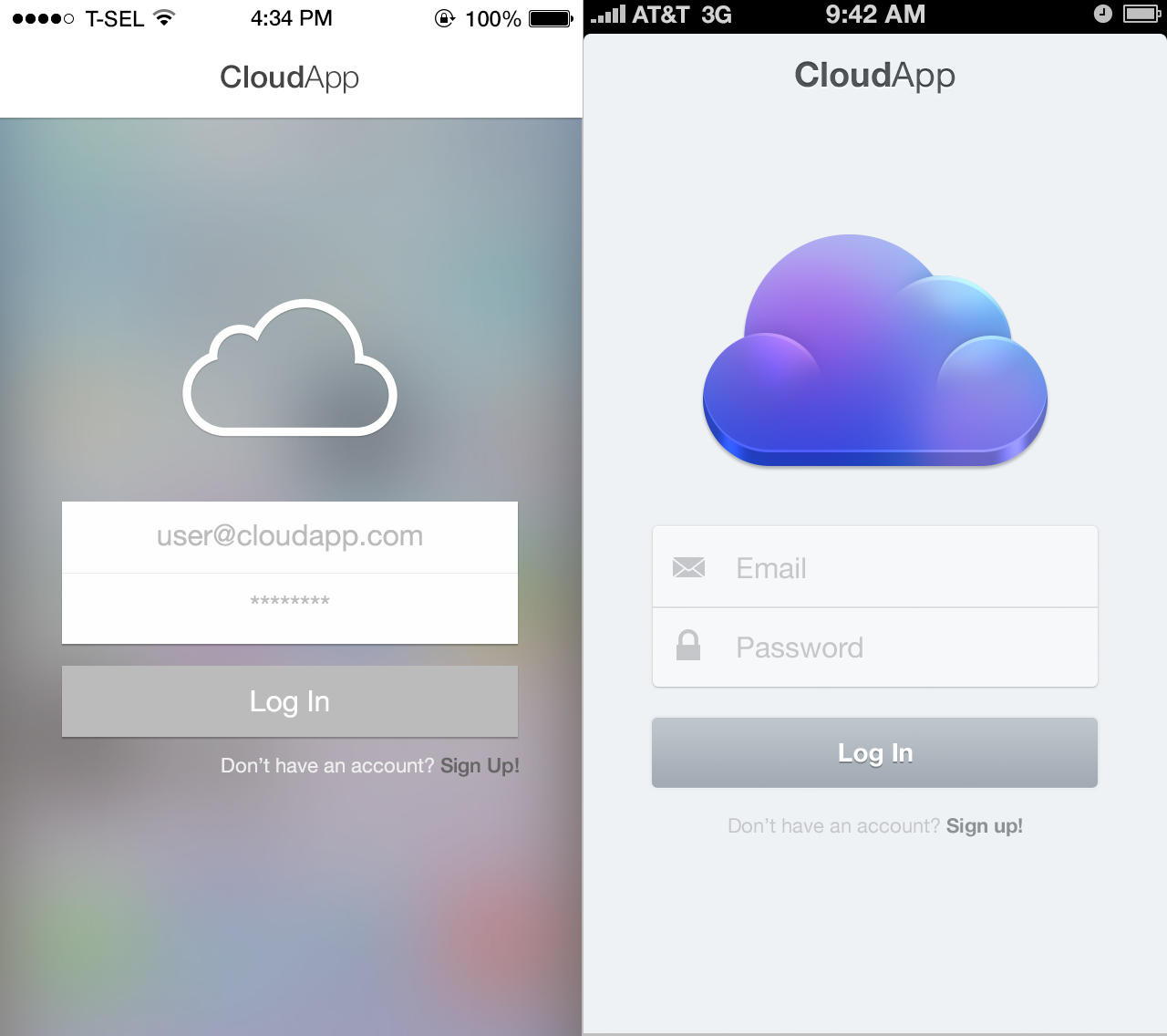
The iCloud.com beta page has received a makeover with new icons from iOS 7.
Apple is allowing children under 13 to have their own iTunes accounts as part of a new push coming later this year to increase the use of its iPad in education.
Apple has tweaked the phone button layout in iOS 7 beta 4, replacing the original, full-width "borderless buttons" with more obviously defined targets for answering, dialing extensions or ending calls. The new icons reduce the use of text on button labels, and allow FaceTime to go full screen.
Apple today released the third beta of iOS 7, which brings a number of improvements and bug fixes to the operating system. According to the release notes, double notifications have been resolved and AirPlay issues have also been fixed.
Whether you love or hate iOS 7’s new parallax’d, flat and layered look, there’s no denying that most apps will need to undergo some big redesigns to fit in with the new UI Jony Ive’s presented.
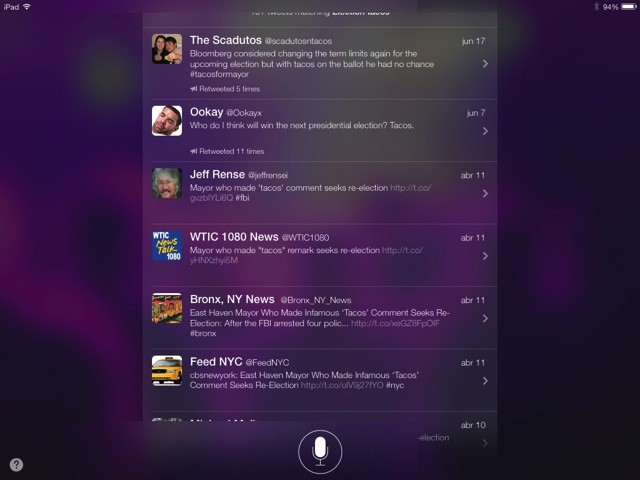
I asked Siri something yesterday, and s/he – as usual – misheard me. Whatever I actually asked, Siri thought I said “Election Tacos,” and as that didn’t really fit in with Siri’s abilities, he did a web search.